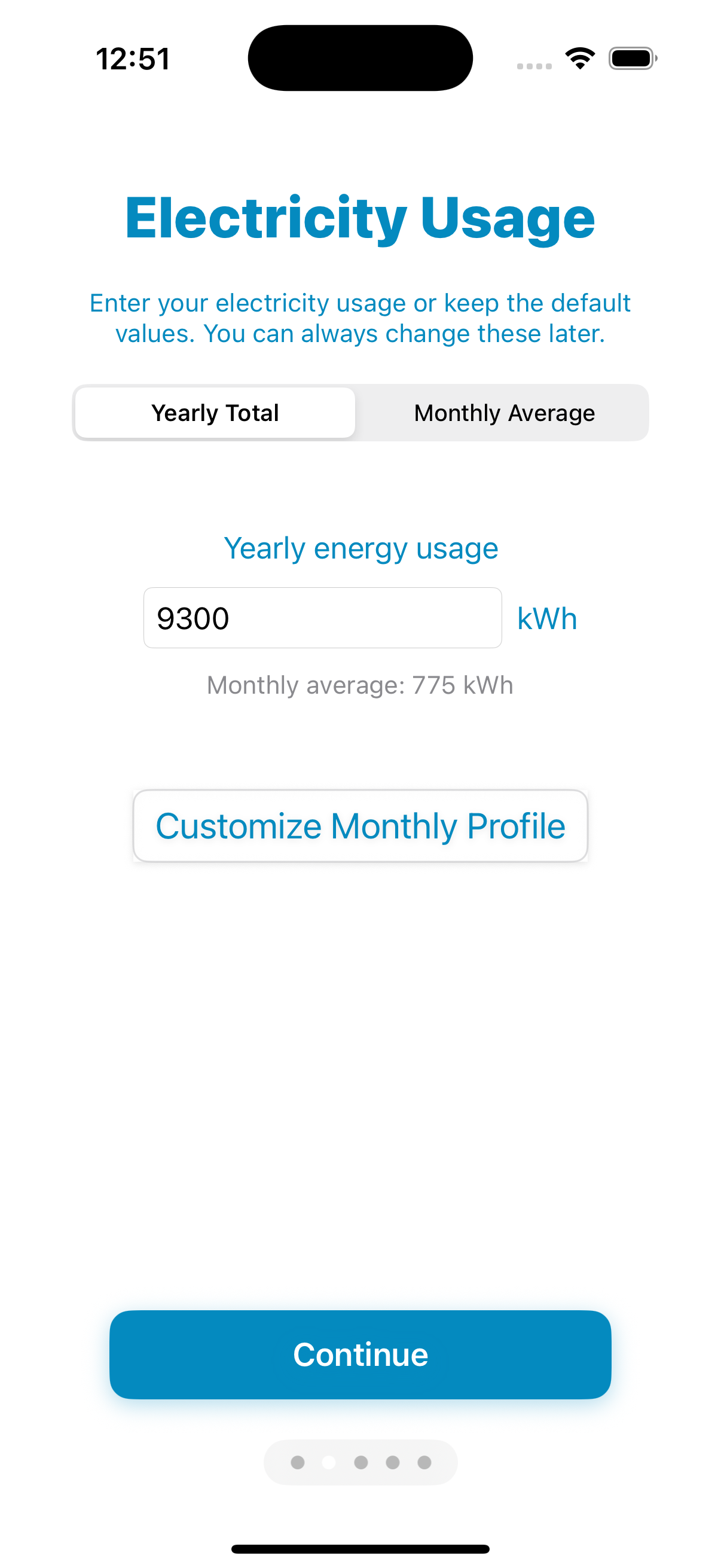
Enter your electricity usage
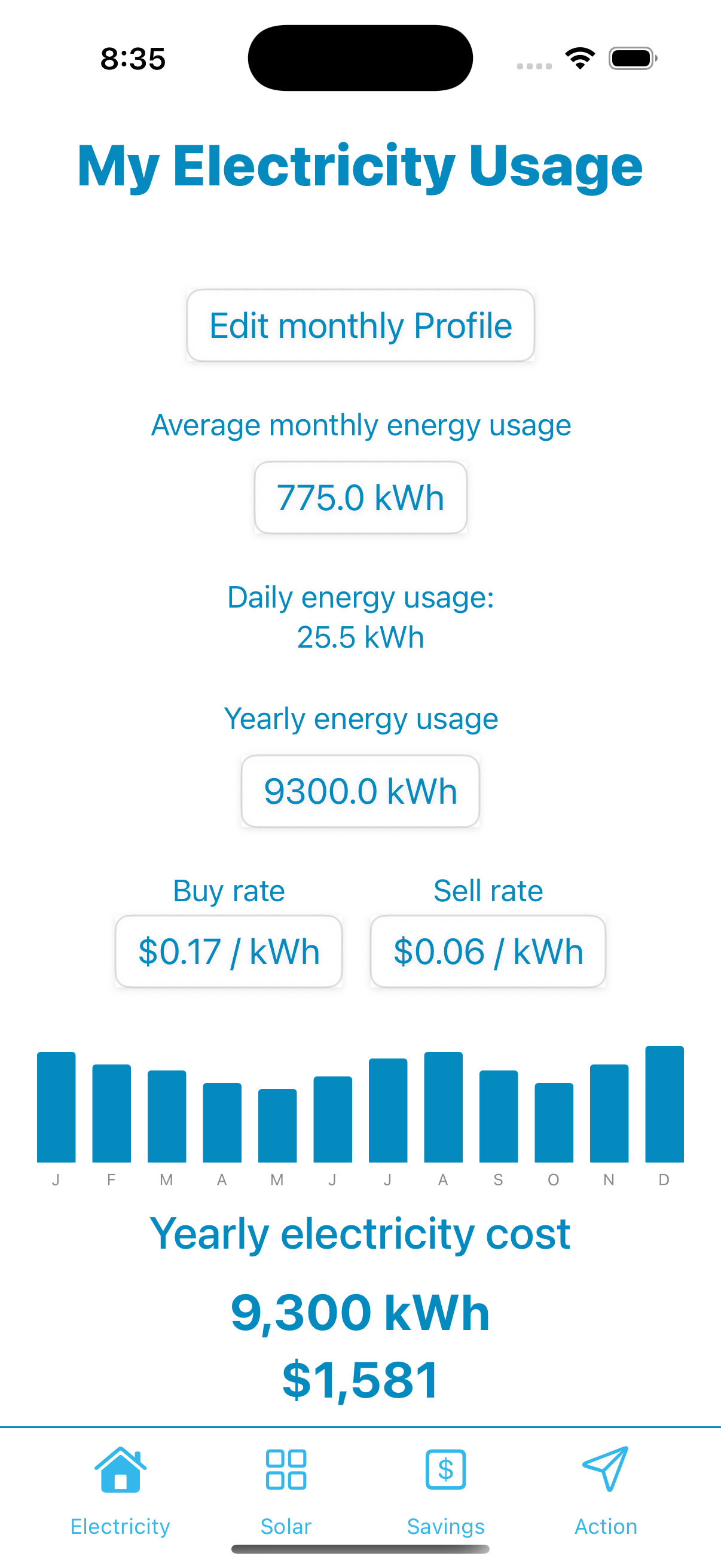
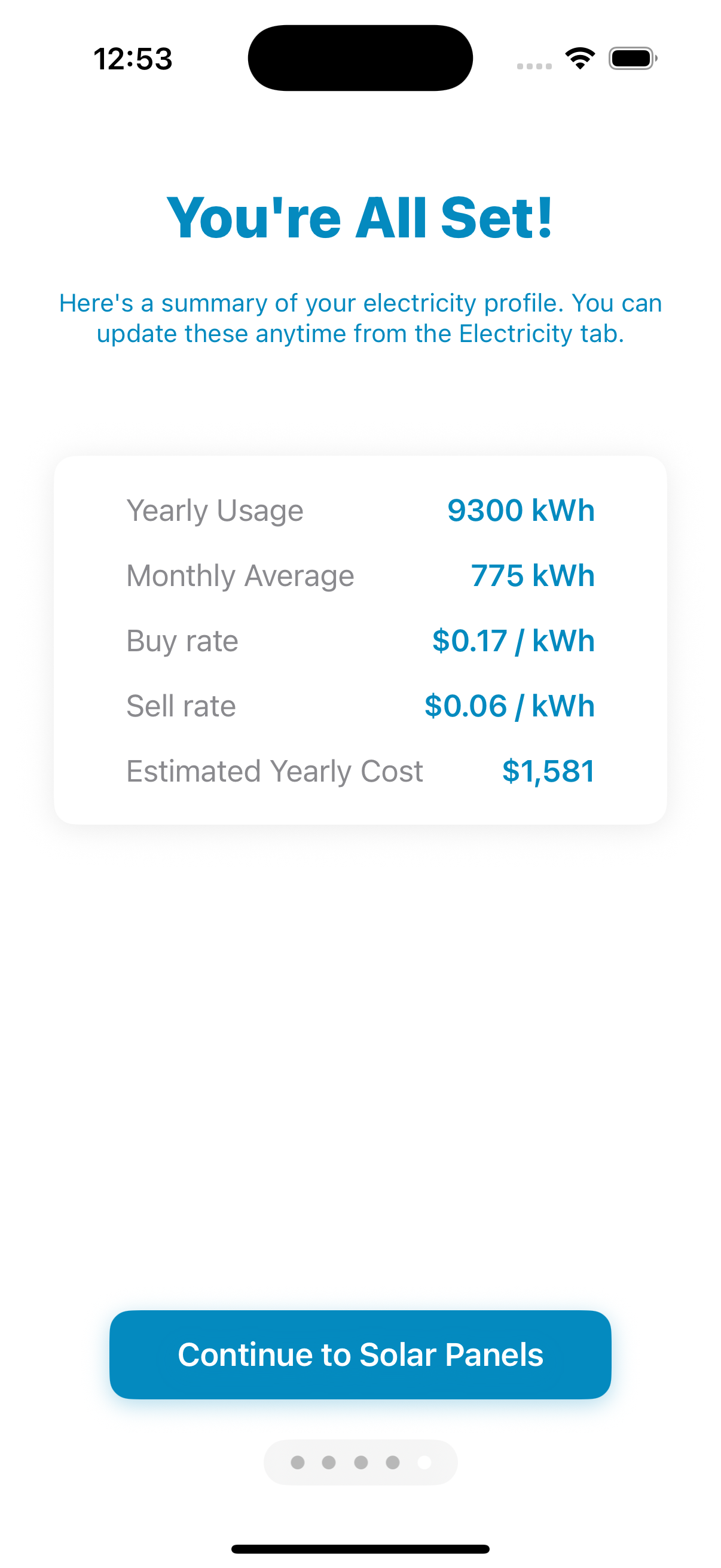
Start by telling SunEyed how much electricity you use. You can enter a single yearly total (in kWh) or go month-by-month for a more accurate picture — SunEyed will compare your actual seasonal usage against your monthly solar production.
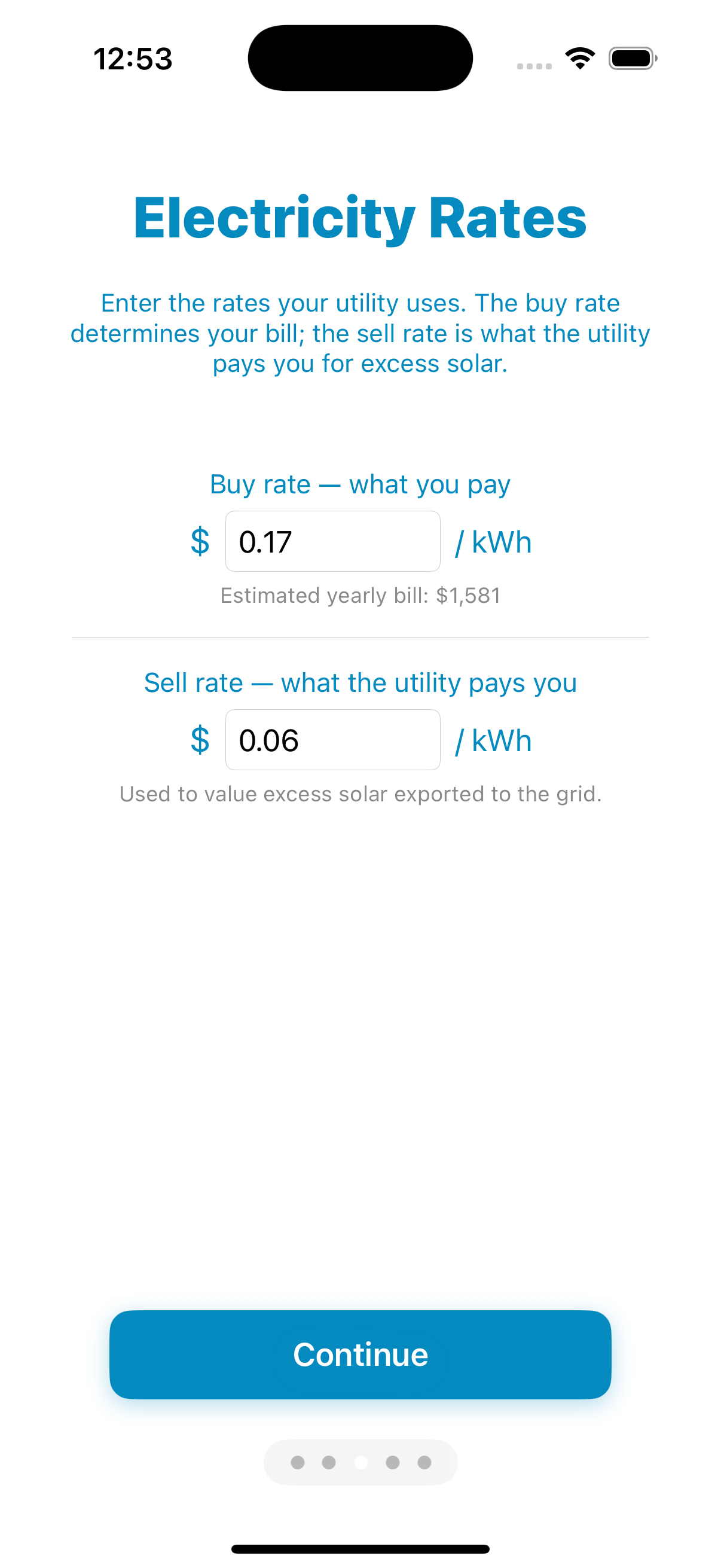
Then enter your electricity rate in cents per kWh. This is the number that turns your production estimate into a dollar savings figure. You can find both numbers on any electricity bill.
Set your location
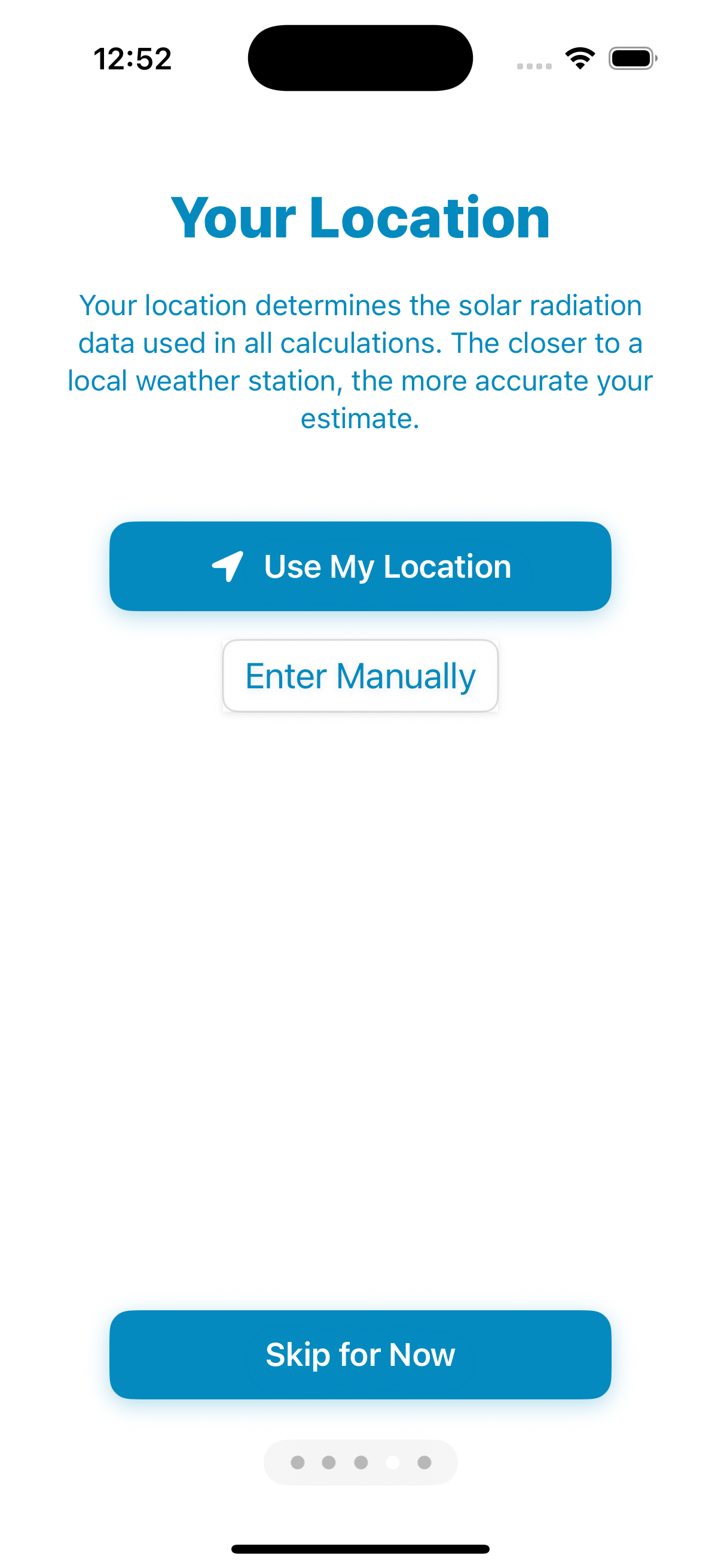
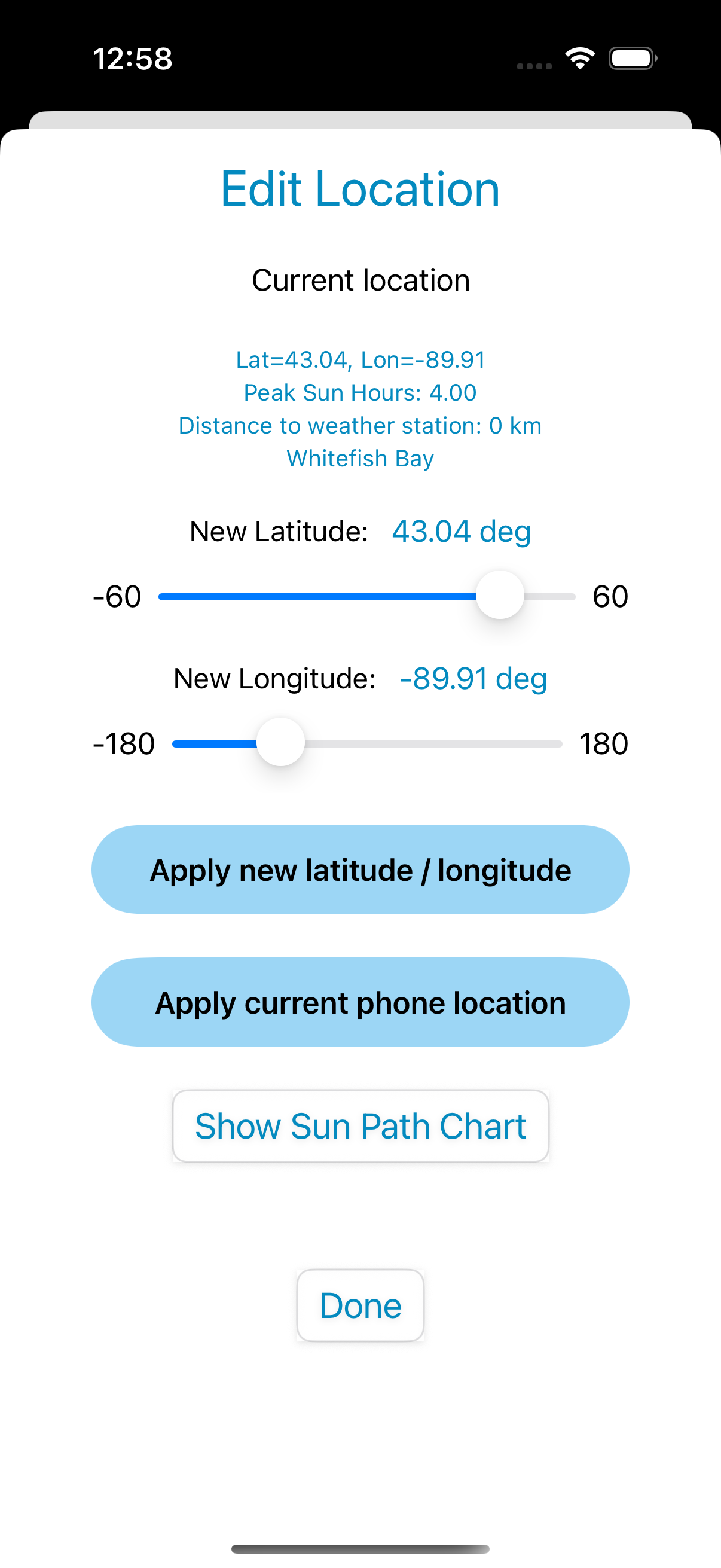
Tap "Use My Location" or enter your latitude and longitude manually. SunEyed finds the nearest of 40,000+ weather stations in its database and loads the monthly average solar radiation for your area.
This is the key difference between SunEyed and a generic online calculator: your production estimate is based on how much sun actually reaches the ground at your specific location — not a state-level average.
Configure your roof and panels
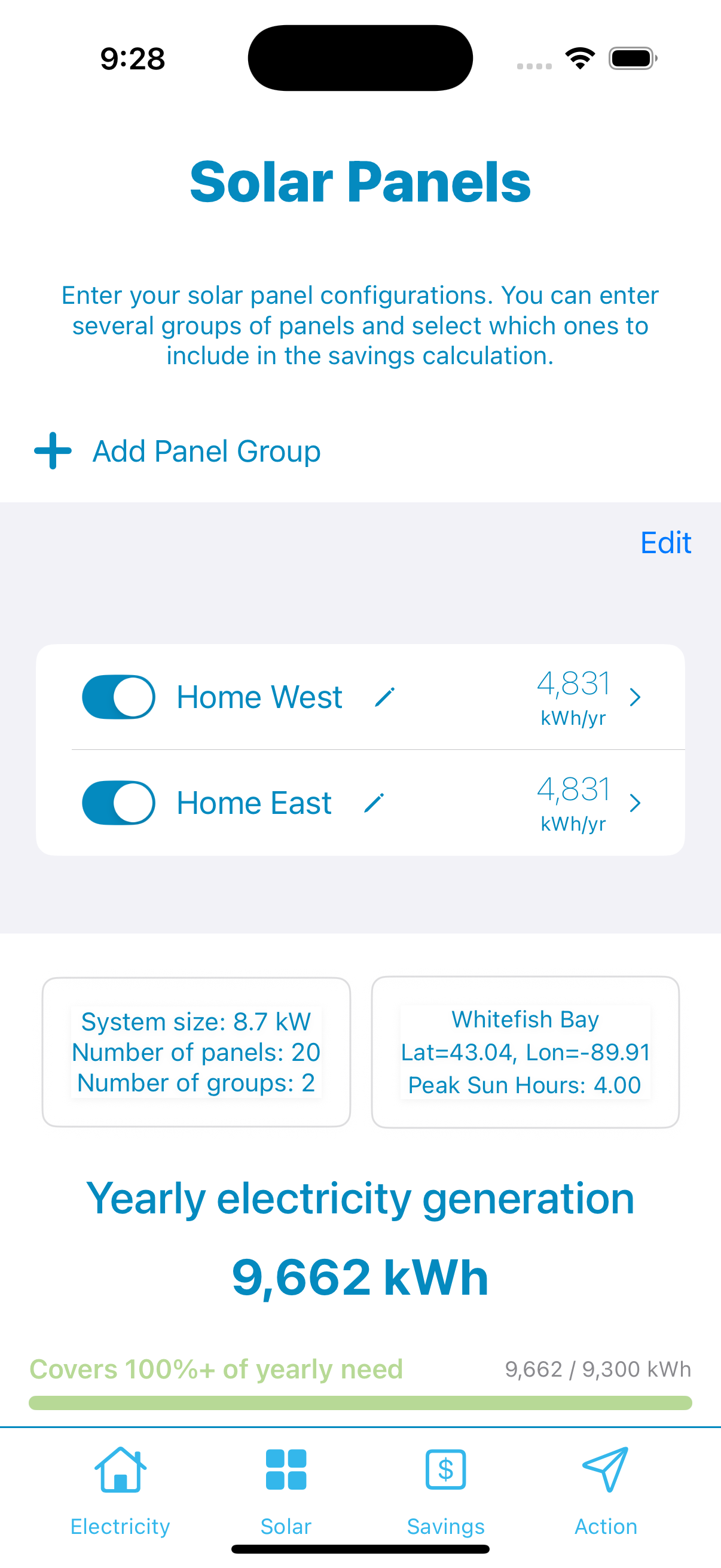
Add one or more panel groups — one for each distinct roof face. For each group, set:
- Panel count — how many panels you're modeling
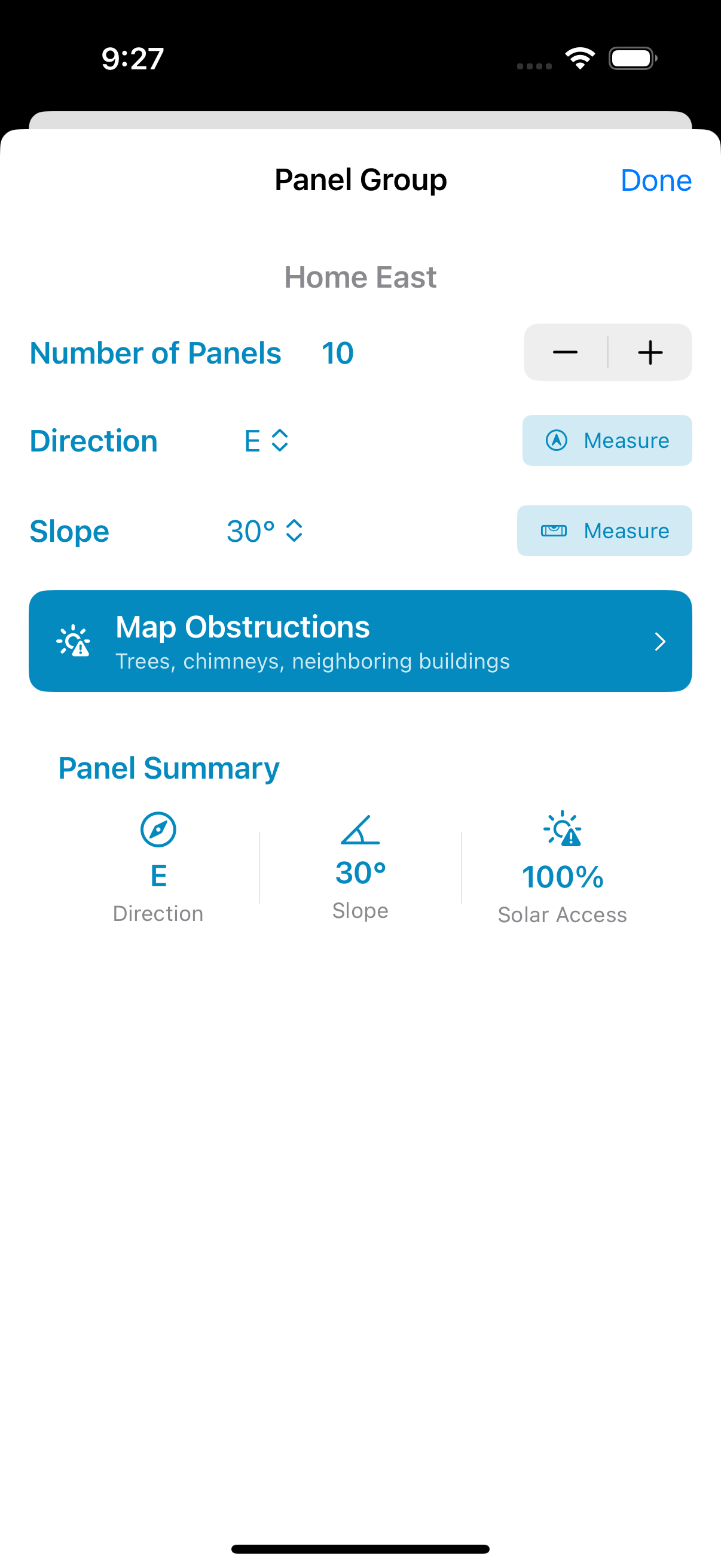
- Azimuth (direction) — which compass direction the panels face (south = most production in the northern hemisphere)
- Roof slope (tilt) — the pitch of the roof in degrees
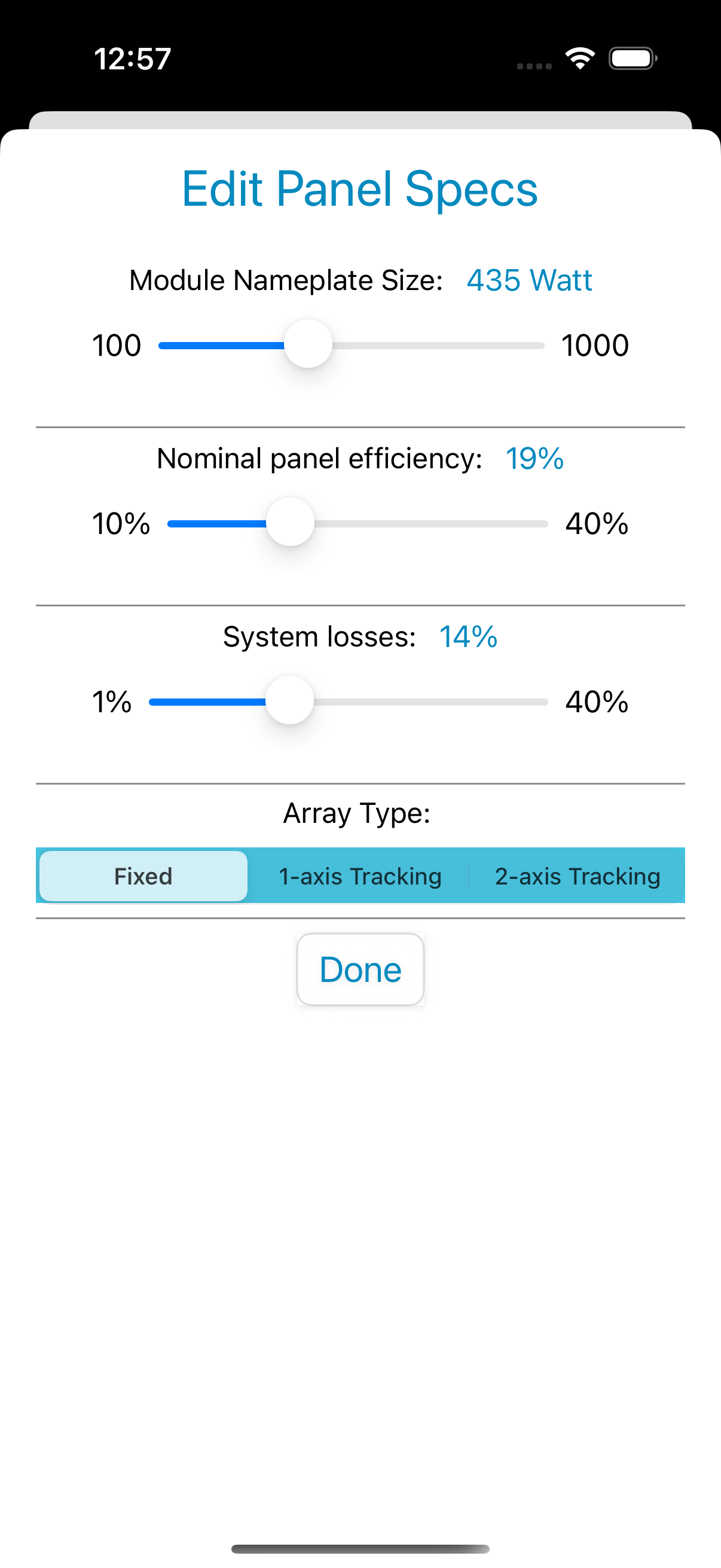
- Panel efficiency & system losses — defaults match standard residential equipment
You can use the phone's compass sensor to measure the azimuth by pointing the phone along the panel surface — no guessing required.
Map obstructions (optional but powerful)
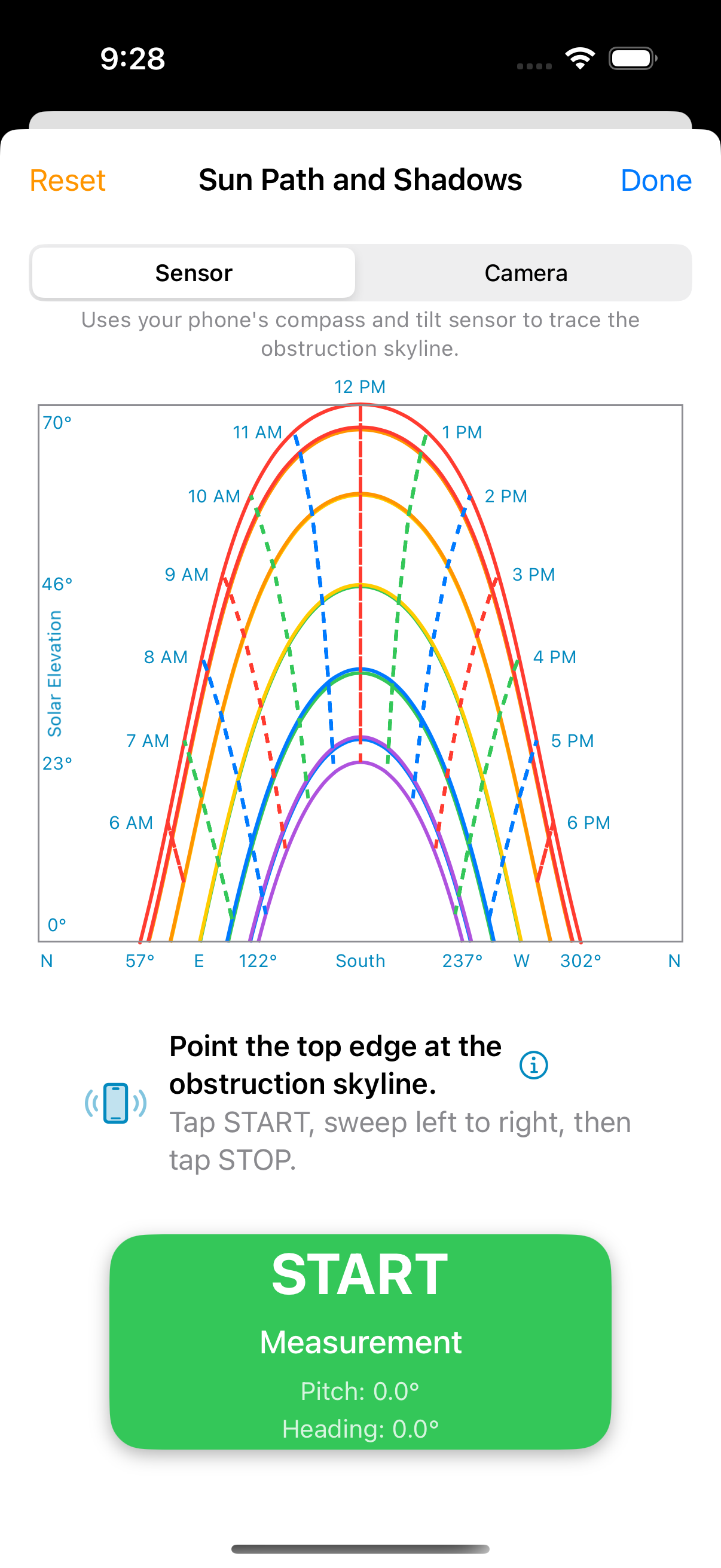
Trees, chimneys, neighboring rooftops, and dormers can silently cut production by 10–30%. SunEyed's obstruction tool lets you trace the skyline silhouette of any obstruction and plots it directly on the sun path chart for your location.
Two modes:
- Sensor mode — point the top edge of your iPhone at the obstruction and sweep slowly. The gyroscope tracks the outline in real time.
- Camera mode — use the rear camera viewfinder as a sight, align the crosshair with the treetop or roofline, and sweep. The live video helps with precision.
The result is a "Solar Access" percentage — the fraction of available sun that reaches your panels. A tree that blocks 15% of your sun path cuts your annual production by roughly 15%.
See your savings and payback period
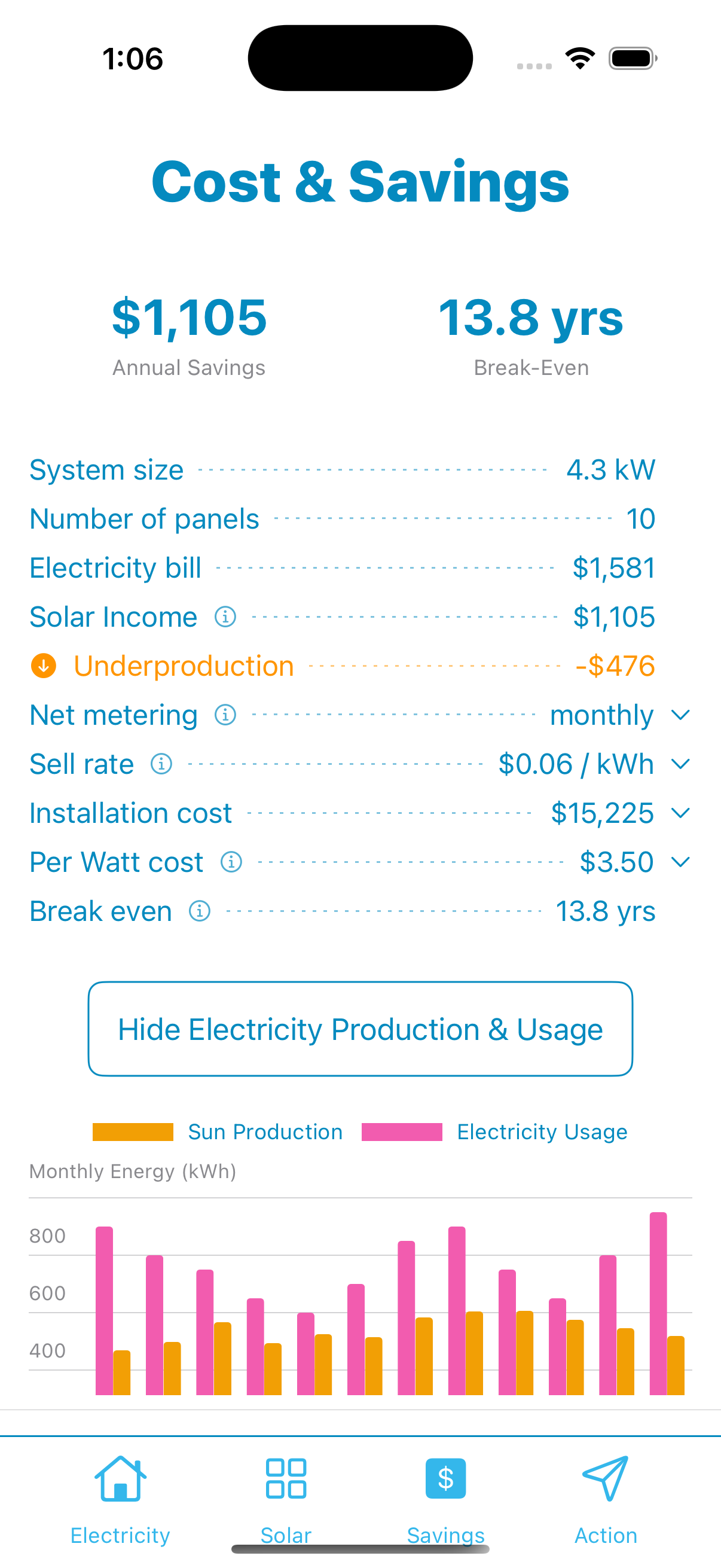
The Savings screen shows your full ROI breakdown:
- Annual savings ($) — how much your electricity bill goes down per year
- Break-even (years) — installation cost ÷ annual savings
- Annual production (kWh) — total electricity your system generates
- Monthly bar chart — usage vs. production for each month, color-coded for over/under-production
- Net metering calculation — choose monthly or annual settlement to match your utility's policy
Talk to an installer — on your terms
With your numbers in hand, you can request quotes from local solar installers directly in the app. Your system size, estimated production, and savings figure go with you — so your first conversation is about confirming details, not starting from zero.
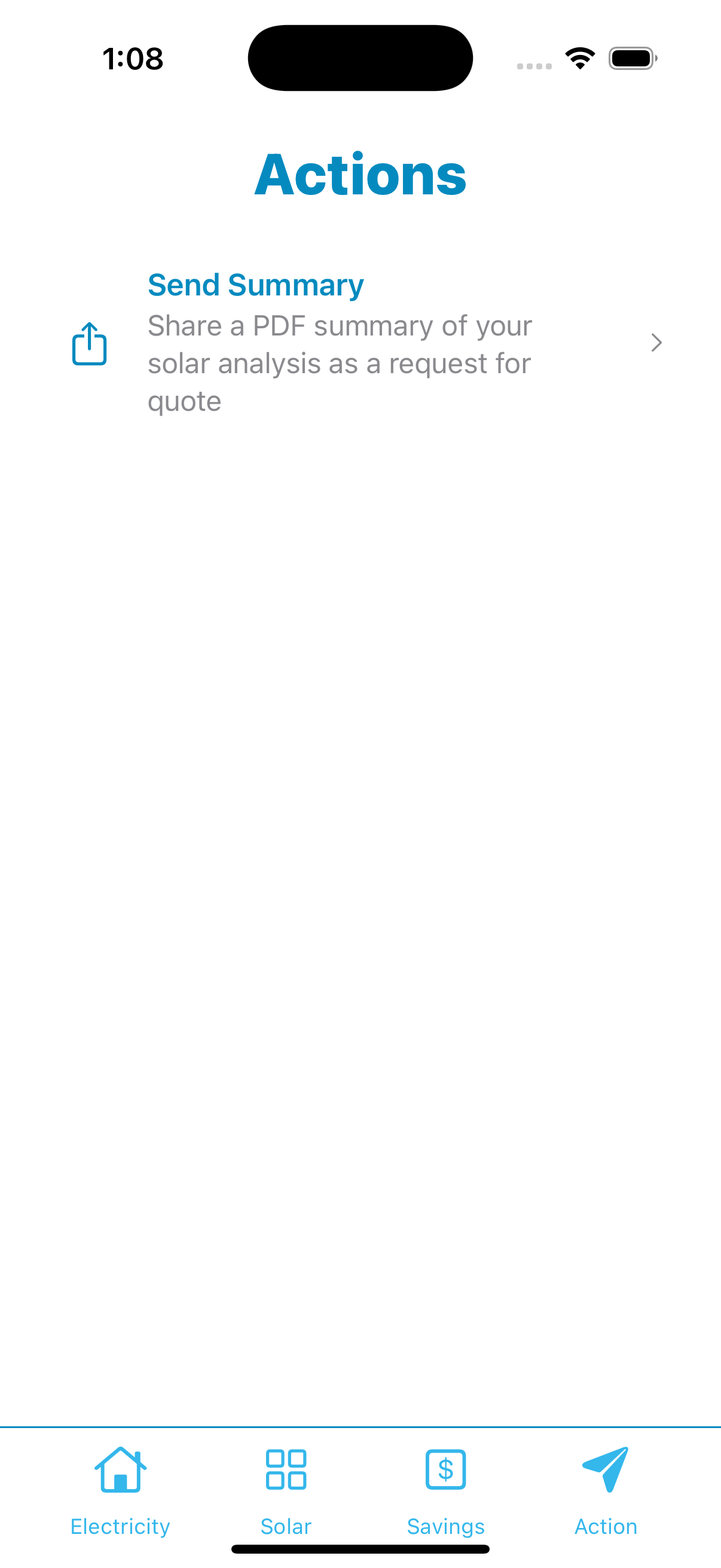
Export a PDF summary to request quotes from installers of your choice.